Celebration•@envato elements

Aurora Light Beams
htmlhub
A curated collection of lightweight, customizable HTML5/CSS/WebGL animations for modern websites. Instantly enhance your designs with copy-paste code.
Creative code library
Copy-paste HTMLCanvas & WebGLNo framework lock-inSource-first previews
Featured animations
3D & WebGL•@htmlhub
Celebration•@htmlhub
Retro & Cyberpunk•@htmlhub
Animation copy feed
Preview it. Copy it. Ship it.
The hero changes worldwide every five minutes. Interact or choose a panel to keep it until you refresh.

canvasIn hero
01 / Text & Typography
ASCII Waves
A living field of ASCII characters rippling in waves, density shifting from faint dots to bold glyphs, with a ripple that blooms out from your cursor.
asciiascii artglyphscharacters
canvasIn hero
02 / Retro & Cyberpunk
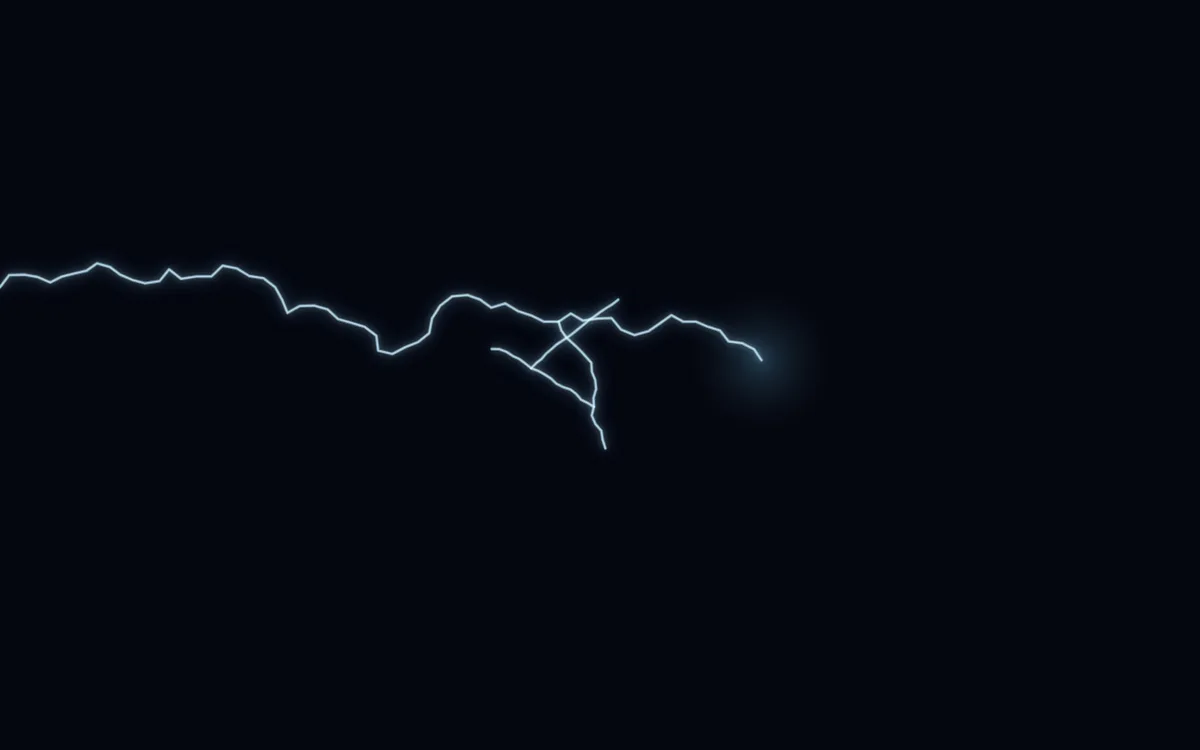
Electric Arcs
Branching bolts of neon lightning crackle across the dark, striking toward your cursor with a glowing flash at every impact.
lightningelectricarcsbolt
canvasIn hero
03 / Backgrounds
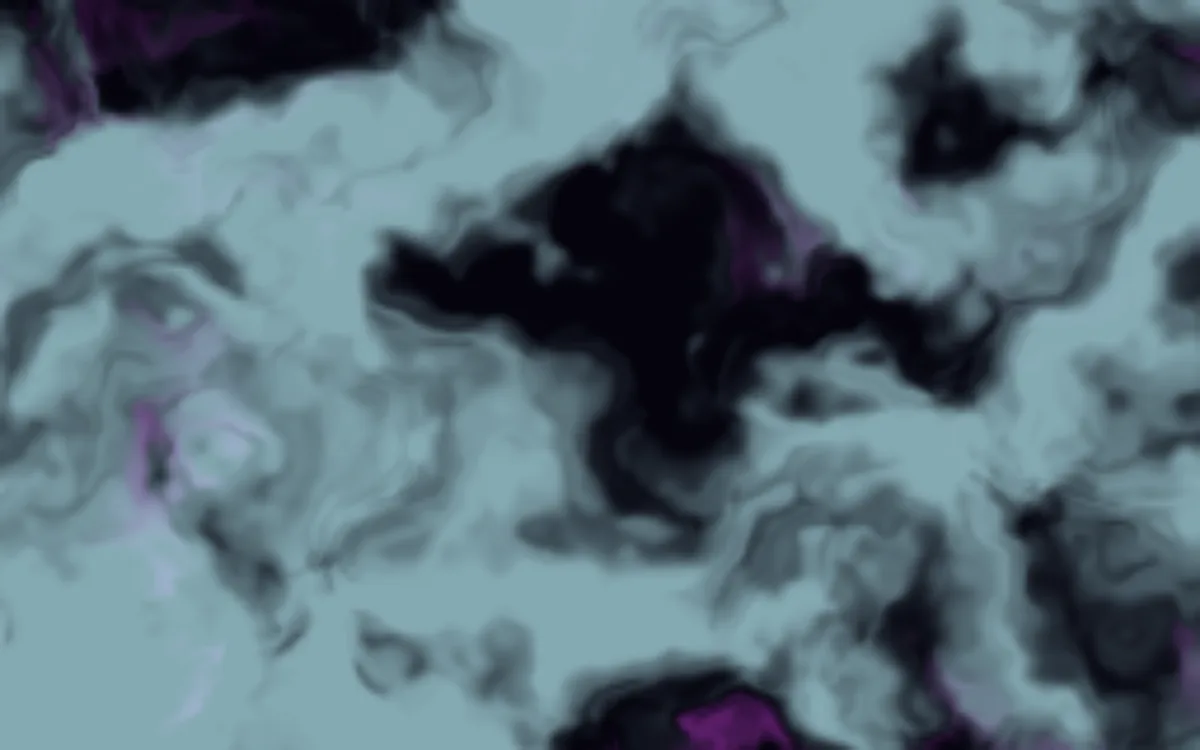
Liquid Ether
Marbled ink swirls and diffuses like a drop of paint blooming in water, black tendrils and magenta veins folding through a pale medium.
inksmokefluidmarble
Browse by category
Find the motion style first
Start by visual intent, then narrow by technology and performance inside the library.




HTMLHub originals
Built for copy, paste, and customization
Original and refined effects that work well as hero backgrounds, interactive accents, and fast creative experiments.
Particles & Systems•@htmlhub
Text & Typography•@htmlhub

Particles & Systems•@htmlhub

Backgrounds•@htmlhub
Learn
Learn with Tutorials
A practical learning shelf for builders using AI, editors, and web tools to ship polished motion.
AI
Use AI to Pick the Right Motion
- 1Describe the page you are building, the mood, and where the animation will sit.
- 2Ask AI for 3 motion directions, then search HTMLHub by category or technology.
- 3Open the best match in the live editor and tune colors, speed, and density.
- 4Copy the final code into your project and ask AI to help place it cleanly.
</>
Customize Without Starting from Scratch
- 1Open an effect page and launch the HTMLHub editor.
- 2Use the visual controls first, then edit the source only when needed.
- 3Ask AI to explain any unfamiliar CSS or JavaScript before changing it.
- 4Save the final version as a reusable snippet for future projects.
GO
Ship the Animation Safely
- 1Test the effect on mobile before adding it to a production page.
- 2Prefer lightweight effects for hero sections and high-traffic landing pages.
- 3Use the copied standalone file as a reference when integrating into Astro, React, or plain HTML.
- 4Keep a static fallback image if the animation is decorative.
Resources
Tools, partners, and transparent links
HTMLHub can recommend useful creative tools and hosting without hiding what is sponsored or partner-supported.
Animation inspiration
Study Codrops, Vanta.js, and other creative coding references without losing sight of clean copy-paste implementation.
Open resources ->Transparent partners
Partner links are grouped with clear disclosure so the library stays useful without hiding what is sponsored.
Open resources ->Production-minded remixing
Use lightweight effects as starting points for portfolios, landing pages, experiments, and client-ready interfaces.
Open resources ->