Dots
Live previewPerformance varies by device
No account needed to copy or download. Check dependencies and thelicense status before publishing. Standalone download includes required libraries inline so it runs offline and in HTMLDeck.
<!doctype html>
<html lang="en">
  <head>
    <meta charset="utf-8">
    <title>Dots</title>
    <style>
      /*
        Vanta.js Dots
        ----------------
        This page demonstrates Vanta's DOTS effect with all user
        interaction disabled.  The canvas fills the viewport.
      */
      html, body {
        height: 100%;
        margin: 0;
        overflow: hidden;
        background: #0a0a0a;
      }
      #vanta {
        height: 100%;
        width: 100%;
      }
    </style>
    <!-- Dots uses three.js for rendering -->
    <script src="../vendor/three.r121.min.js"></script>
    <script src="../vendor/vanta/dist/vanta.dots.min.js"></script>
  </head>
  <body>
    <div id="vanta"></div>
    <script>
      // Initialize the DOTS effect with controls disabled.  Colors and spacing
      // have been customized to create a subtle star field.
      VANTA.DOTS({
        el: "#vanta",
        mouseControls: false,
        touchControls: false,
        gyroControls: false,
        // Primary color of the points
        color: 0xffffff,
        // Secondary color used for connecting lines
        color2: 0xff6ec7,
        // Background behind the dots
        backgroundColor: 0x0a0a0a,
        // Size of each dot
        size: 2.5,
        // Distance between points in the grid
        spacing: 30.0,
        // Show connecting lines between random pairs of points
        showLines: true
      });
    </script>
</body>
</html>About this animation
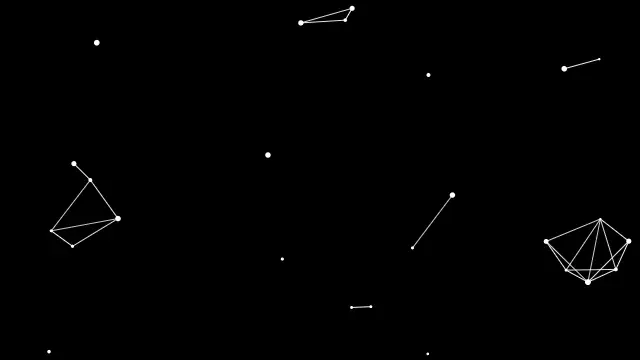
Three.js and Vanta point grid rendering a clean 3D geometric dot matrix over a dark canvas.
Under the hood
Vanta.js WebGL Dots Grid
This delegates rendering to
VANTA.DOTS() from Vanta.js on Three.js WebGL, configured with white dots, pink color2 connecting lines, spacing: 30.0, and size: 2.5 with showLines: true. All interaction is disabled via mouseControls: false, touchControls: false, and gyroControls: false, so there is no cursor-proximity calculation using Math.hypot().