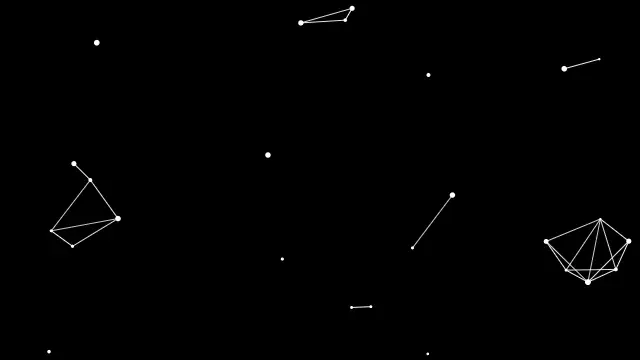
Vanta Dots
Live previewPerformance varies by device
No account needed to copy or download. Check dependencies and thelicense status before publishing. Standalone download includes required libraries inline so it runs offline and in HTMLDeck.
<!doctype html>
<html lang="en">
  <head>
    <meta charset="utf-8">
    <meta name="viewport" content="width=device-width, initial-scale=1">
    <title>Vanta.js Dots</title>
    <style>
      html,
      body {
        height: 100%;
        margin: 0;
        overflow: hidden;
        background: #07080d;
        color: #f5f7fb;
        font-family: Inter, ui-sans-serif, system-ui, -apple-system, BlinkMacSystemFont, "Segoe UI", sans-serif;
      }
      #vanta {
        position: fixed;
        inset: 0;
      }
    </style>
    <script src="../vendor/three.r134.min.js"></script>
    <script src="../vendor/vanta/dist/vanta.dots.min.js"></script>
  </head>
  <body>
    <div id="vanta"></div>
    <script>
      VANTA.DOTS({
        el: "#vanta",
        mouseControls: true,
        touchControls: true,
        gyroControls: false,
        color: 0xffffff,
        color2: 0xff6ec7,
        backgroundColor: 0x090b10,
        size: 2.6,
        spacing: 30,
        showLines: true
      });
    </script>
</body>
</html>About this animation
Interactive Vanta.js dot lattice with pink connecting lines on a dark WebGL stage.
Under the hood
Vanta.js Interactive Dot Lattice with Lines
This delegates rendering to
VANTA.DOTS() from Vanta.js on Three.js WebGL, mounted on a fixed full-viewport #vanta div. The lattice is configured with white color: 0xffffff dots, pink color2: 0xff6ec7 connecting lines, backgroundColor: 0x090b10, size: 2.6, spacing: 30 and showLines: true. Unlike the standalone dots entry, interaction is enabled here via mouseControls: true and touchControls: true, with only gyroControls: false.